TikTok ads bot traffic
BetaSee which TikTok ad clicks came from real people.
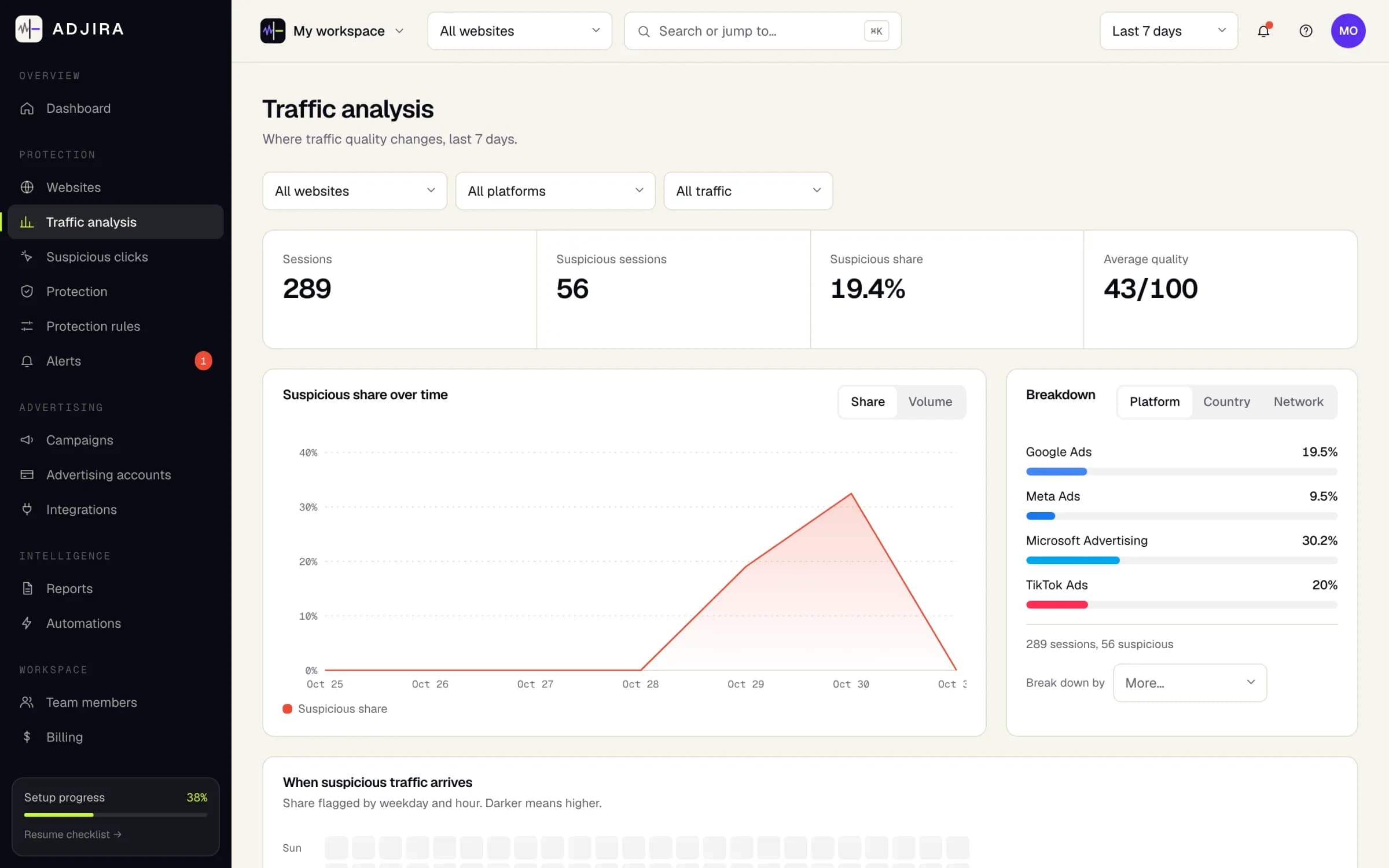
In-feed and Spark Ads campaigns. Adjira joins TikTok Ads campaign and cost reports with click events from your website to show traffic quality per campaign.
What you see for TikTok Ads
- In-feed and Spark Ads clicks scored for fraud risk and quality
- Short, single-page visits and automation signals surfaced
- Suspicious share and estimated spend per campaign
- Attribution to campaigns from click identifiers
Connection requirements
- An Adjira workspace with at least one verified website
- A TikTok Ads account with reporting access
- Someone who can approve the authorization request
Permissions requested
- Read campaign and cost reports
- Read advertiser account details
Protection actions
Adjira offers monitoring, alerts and investigation. Provider actions are shown only where the platform supports them.
Connect TikTok Ads
Create a workspace first, then connect from the integrations center. Read-only by default.
Other integrations
TikTok Ads questions
Does TikTok already filter invalid traffic?
TikTok describes invalid traffic as activity created by non-human entities such as bots and automated scripts, and says it addresses it through third-party anti-fraud certifications and measurement solutions. Adjira adds the view from your website after the click.
Can Adjira exclude traffic on TikTok?
No. TikTok’s API does not support the exclusion lists Adjira can push to Google Ads and Microsoft Advertising. Adjira shows the evidence and the suspicious spend per campaign, and you make changes in TikTok Ads Manager.
Which TikTok campaigns does Adjira score?
Adjira scores the website visits from TikTok ad clicks, including in-feed and Spark Ads, matched to campaigns through the click identifier on the landing URL.
Make every ad dollar count.
Install in minutes, connect your ad accounts read-only, and see your first scored sessions as soon as paid traffic lands.